
Deleting photos from your Android phone is bad enough — realising you have no backup makes it worse. But before you assume those memories are gone, know this: there are still several real methods that can recover deleted Android photos even without a backup, and some of them are surprisingly effective. This guide walks through each honestly, in order of best odds, and is straight with you about where recovery hits a wall on modern phones — because false hope helps no one.
From the engineers at CBL Data Recovery Singapore, who recover Android data every week.
First, the honest reality
Let's be upfront: recovering deleted photos from a modern Android phone's internal storage with no backup is genuinely difficult. Current Android phones use full-device encryption and TRIM, which actively erase deleted data. So the deeper we go without a backup, the lower the odds. But — and this matters — there are places deleted photos hide that people forget, and the odds are much better if the photos were on an SD card. So work through these methods before giving up; more photos survive than you'd expect.
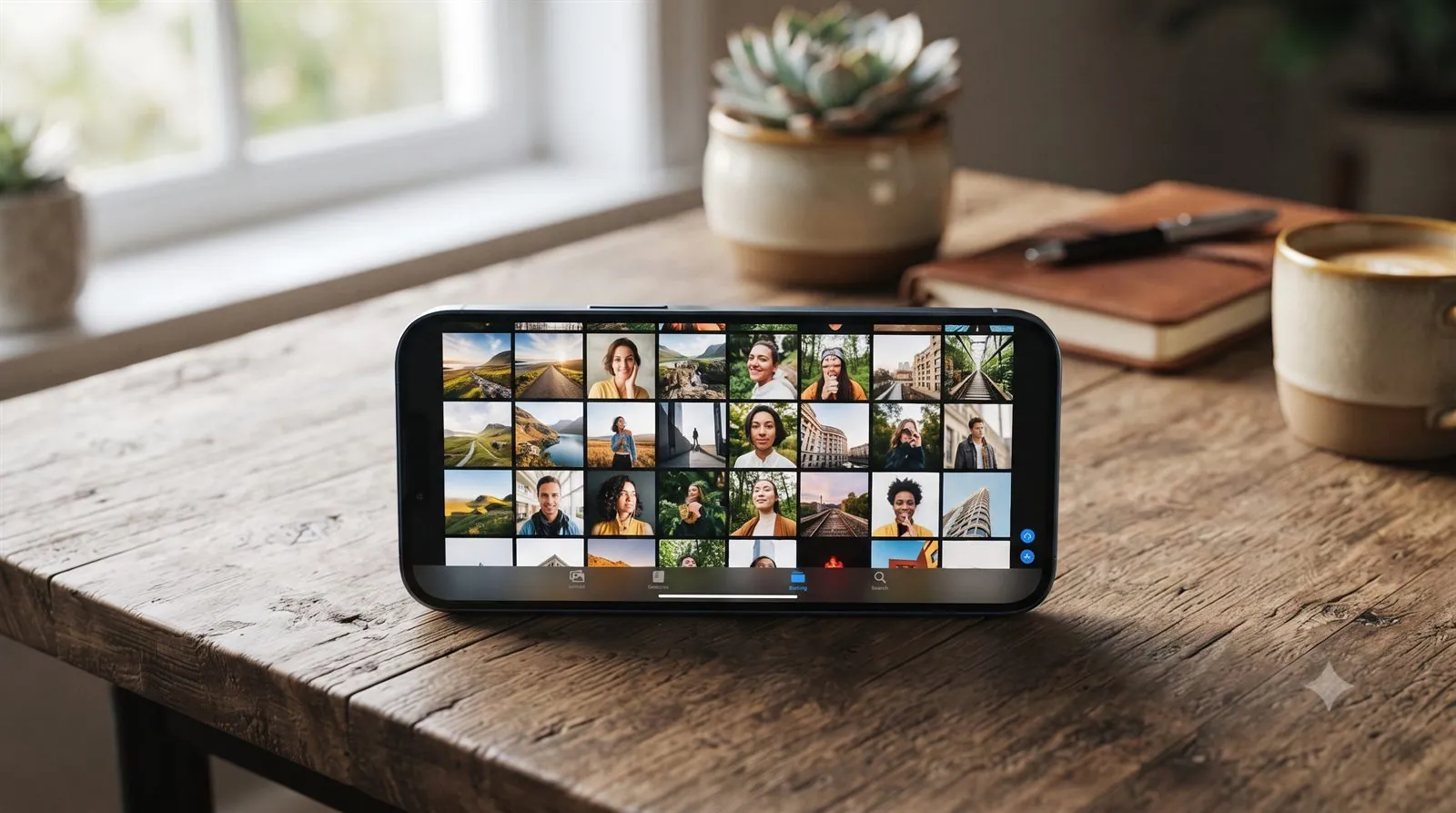
Method 1: Check the Trash in Google Photos and Gallery
Even without a "backup," your phone has built-in safety nets:
- Google Photos Trash. Open Google Photos → Library → Trash. Deleted photos stay here for 60 days before being erased. This alone recovers most "deleted" photos in seconds — many people don't realise it exists.
- Gallery / Recently Deleted. Samsung Gallery and many manufacturer galleries have their own Recently Deleted or Trash folder (often 30 days). Check it — your photos may simply be sitting there.
These aren't really "no backup" at all — they're recycle bins, and they solve most cases instantly.
Method 2: Check other places the photos synced
Even if you don't think you had a backup, photos often end up in multiple places:
- A Google account on another device — check Google Photos signed in on a tablet, computer, or old phone.
- Chat apps — photos you shared on WhatsApp, Telegram, or messaging apps survive in those chats.
- Manufacturer cloud — Samsung Cloud, Mi Cloud and others may hold a copy you forgot was enabled.
It's worth five minutes to check — a "lost" photo is often sitting in a place you didn't think counted as a backup.
Method 3: Recover from an SD card (best odds)
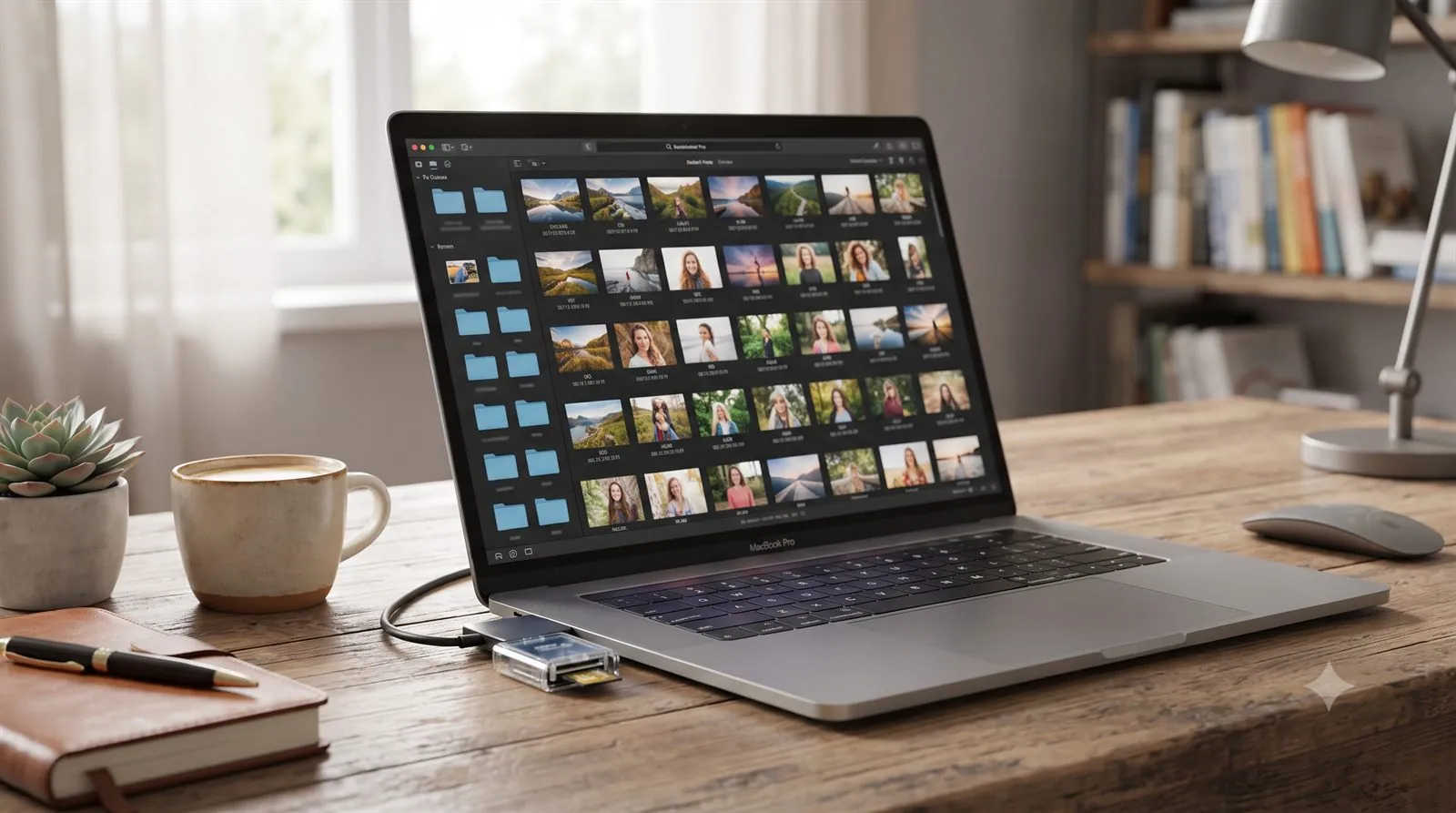
If your Android photos were stored on a microSD card, your chances jump dramatically. Cards don't run TRIM the way internal storage does, so deleted photos linger and are highly recoverable:
- Stop using the card immediately — don't take more photos.
- Remove the card and connect it to a computer with a card reader.
- Run recovery software — Recuva, Disk Drill, or PhotoRec — to scan the card and recover photos to the computer.
This is the single best method for Android photo recovery without a backup — if the photos were on a card.
Method 4: On-device recovery apps (limited)
Apps like DiskDigger can scan an Android phone directly. On a non-rooted phone, they mostly recover cached photo thumbnails — lower resolution, but better than nothing. A full scan of internal storage requires root access, which carries real risk (rooting can overwrite data or brick the phone). Weigh that carefully; for irreplaceable photos on internal storage with no backup, a lab is often the safer option than rooting.
The honest limit
If the photos were on internal storage, there was no Trash entry or synced copy, and the phone is healthy and modern, recovery is often not possible — encryption and TRIM will have erased the data. We'd rather tell you that than sell false hope. The exception is a damaged phone where the photos were never deleted (just trapped by a dead or broken device) — that's a different, often recoverable, situation via board-level lab work.
Apps claiming to "deep scan" a healthy, non-rooted Android phone and resurrect long-deleted internal-storage photos are, in most cases, overpromising. Check the free built-in Trash and any synced copies first, and for irreplaceable photos, consider a lab rather than rooting. See our iPhone & mobile data recovery service.
When to call a lab
Call a lab when the photos are irreplaceable, the phone is damaged or dead (with photos that were never deleted), or you're considering rooting a phone to recover internal storage. Labs can reach data on damaged phones and handle cases DIY apps can't — a safer path than risky rooting for photos that truly matter.
CBL's cleanroom lab recovers data from Android phones — including damaged ones — free diagnosis, fixed quote before any work.
- WhatsApp: +65 8127 7508
- Call: +65 6588 0261
Prevent this next time
- Turn on Google Photos backup — free, automatic, and it makes deleted photos a 60-day undo.
- Keep photos on internal storage backed up, since internal storage is the hardest to recover.
- Check that backup is actually running — a full Google Photos library gives you real protection.
- Don't rely on a single copy of irreplaceable memories. See our data backup tactics.